
Configuration
Mambu Payments and Mambu Core integrate using their respective public APIs and webhooks.
To configure your Mambu Core integration, you will need to:
- Generate a dedicated API key in Mambu Core
- Whitelist the IPs of your Mambu Payments tenant in your Mambu Core tenant
- Configure Mambu Core transaction channels
Mambu Core API key
We recommend create a new role named "Mambu Payments" with:
- Access rights: API
- Permissions:
- Loan accounts
- View loans account details
- Disburse loans
- Enter repayments
- Deposit accounts
- View deposit account details
- Make deposit
- Make withdrawal
- Apply deposit account adjustments
- Backdate deposit transactions
- Bulk deposit corrections
- Loan accounts
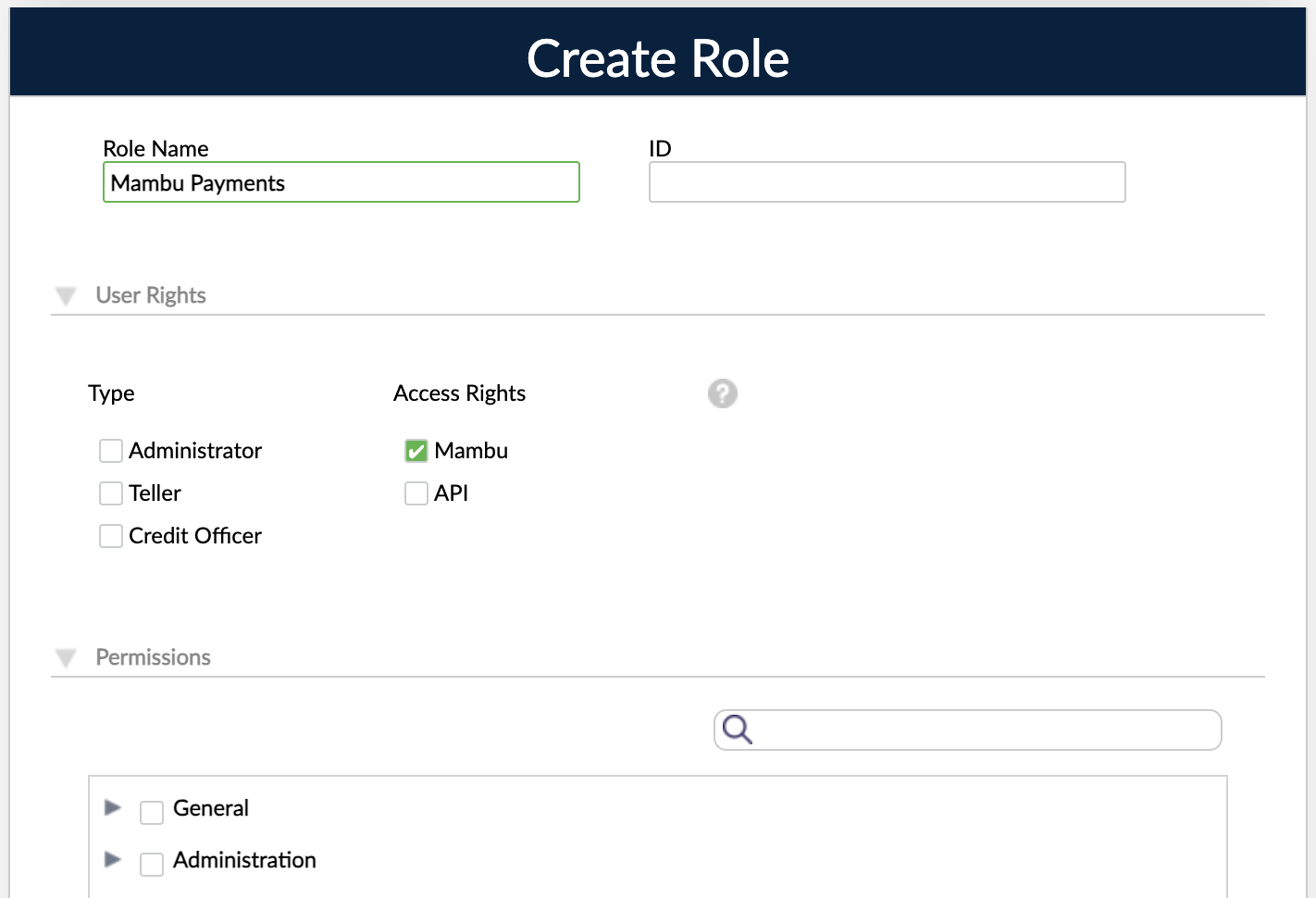
You can then add this role to any API consumer and generate an API key associated to this consumer. Mambu Payments will then use this API key to authenticate all the automated calls to your Mambu Core tenant.
Whitelisting the IP addresses of your Mambu Payments tenant
In order to make your Mambu Core tenant reachable from Mambu Payments, you need to whitelist the IP addresses of your Mambu Payments tenant in your Mambu Core tenant. Learn how to whitelist IP addresses in Mambu Core.
Mambu Core transaction channels
Transaction channels are used to book transactions in Mambu Core. Mambu Core transaction channels can be mapped with the following payment attributes in Mambu Payments:
- Connected account
- Payment type (SEPA, Swift, FPS…)
- Direction (debit or credit)
- Currency
Updated 7 days ago